HOW TO AVOID PHISHING
A FEW GOOD REFLEXES
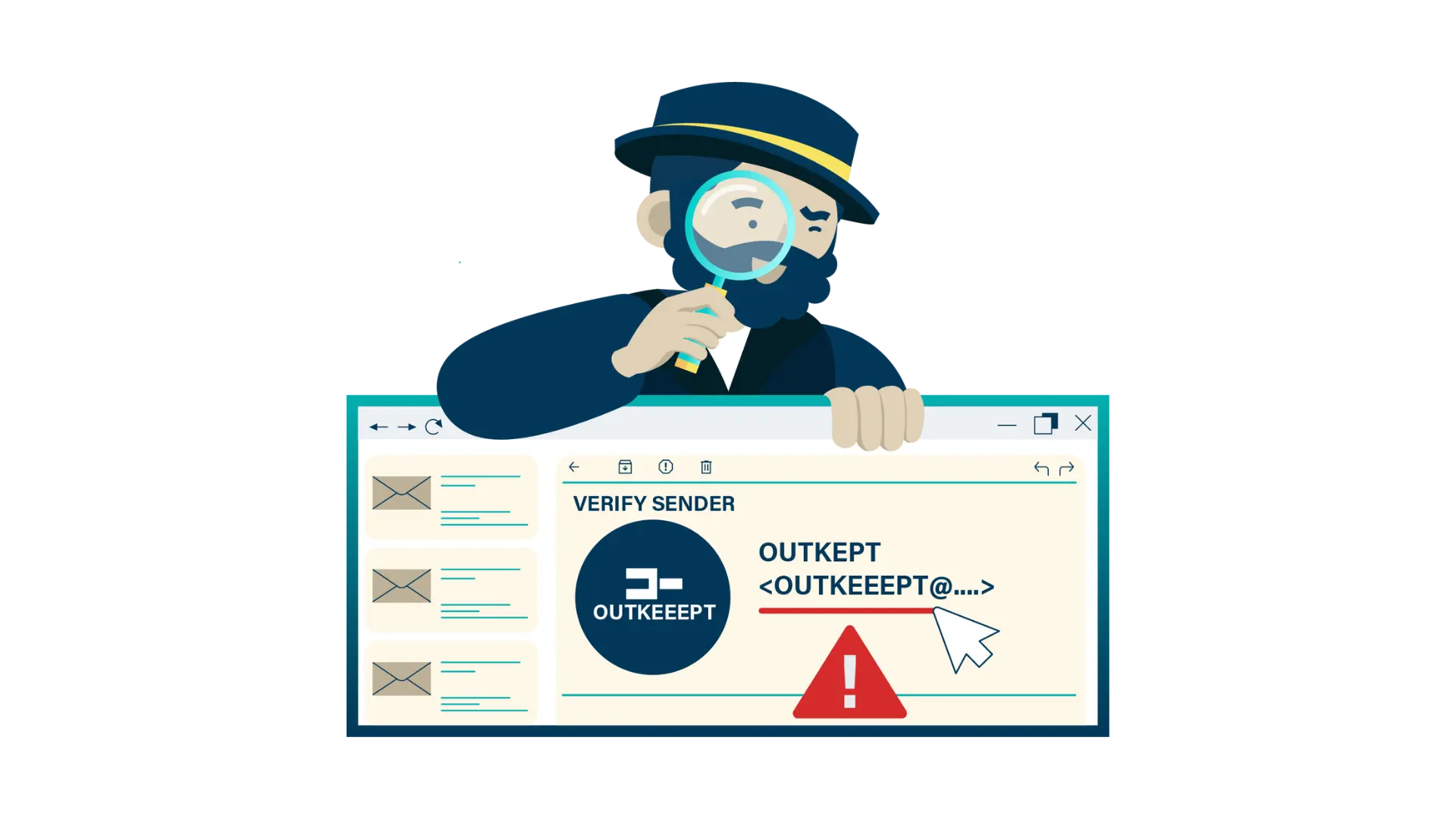
CHECK THE SENDER’S EMAIL ADDRESS
The name of the sender could easily be faked, so take a good look at the sender’s email address and domain name: It is what comes after the @ sign, e.g.: Jane.Doe@example.com.
Received an email from someone you know, but the email
address looks different than usual? The sender claims that their email address has changed? Better double check!
When in doubt: contact them via an email or phone number you know to check. Never use the contact details from the mail, (phone number or email), these can also be fake.
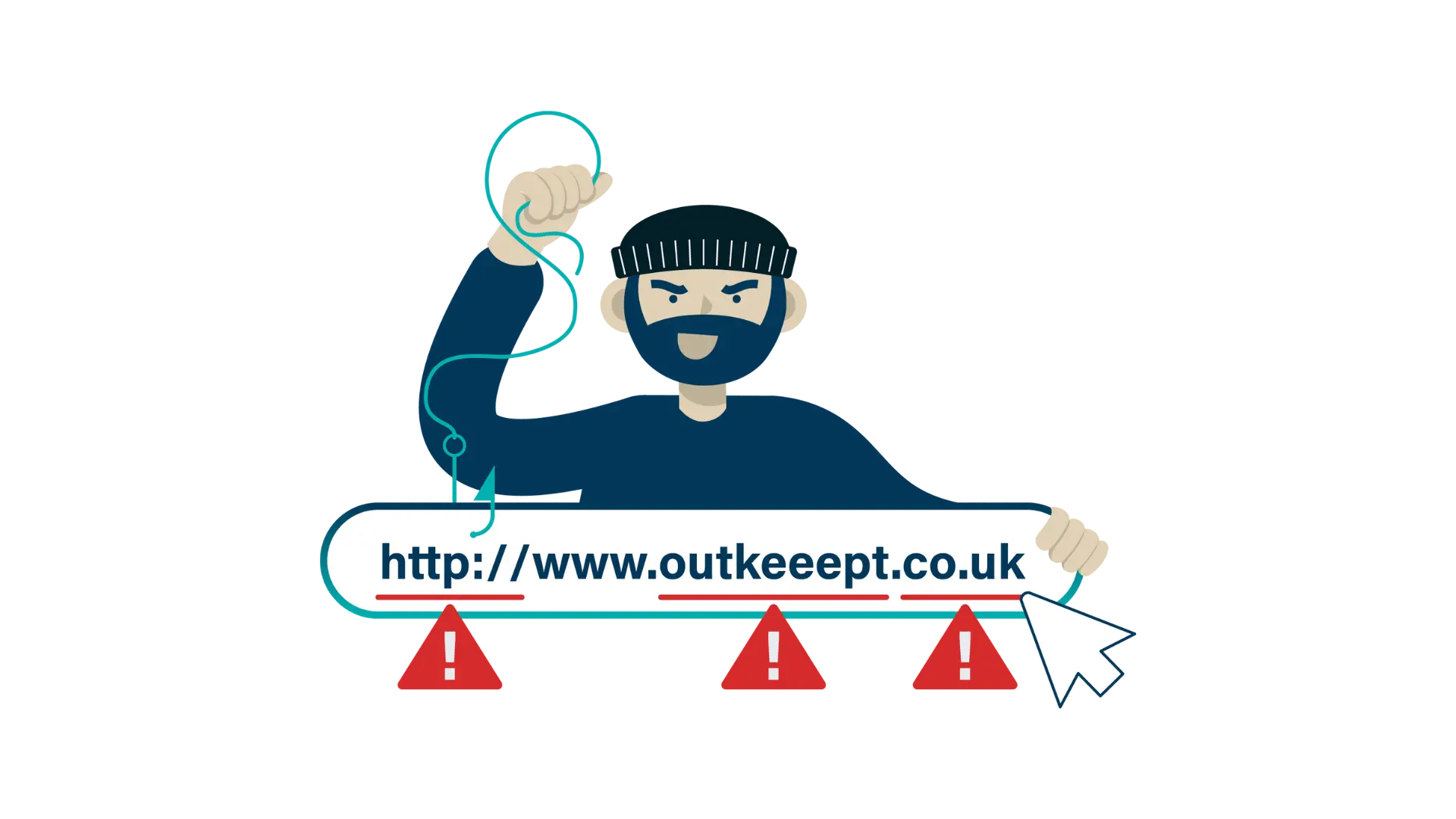
BUTTON OR LINK? HOVER OVER IT!
Links or buttons in an email are a great way to hide malicious intents. Always check where it goes first, even with trusted senders.
To do this, first, hover over the button/link before you click. At the bottom left of your screen you will see the site to which it would take you.
Carefully consider if this website aligns with what’s expected. In doubt? Delete the email and contact the sender through a trusted channel.
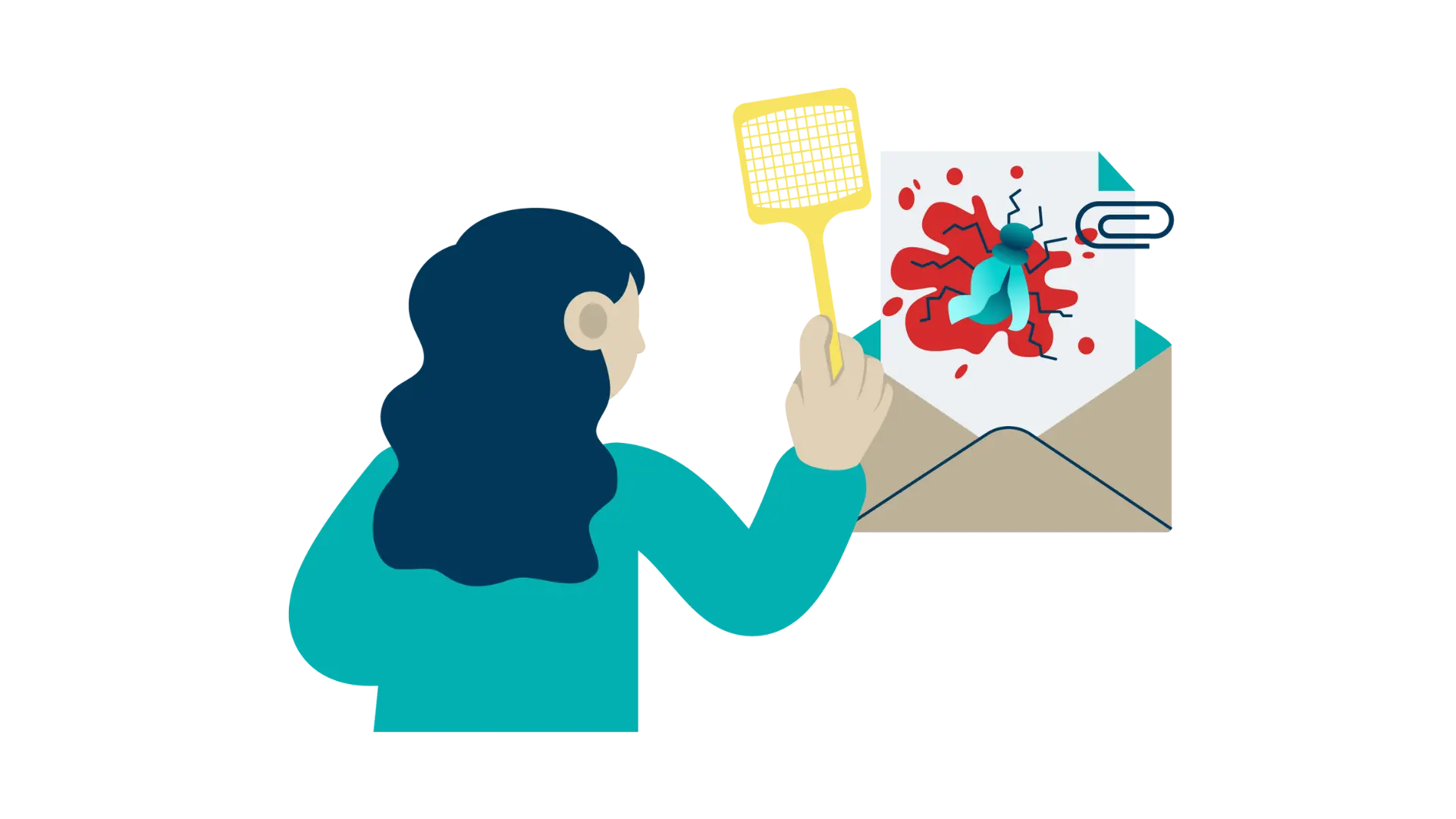
ATTACHMENT? CHECK CONTEXT!
Received a mail with an attachment? Don’t let your curiosity take the upper hand! Never open a file from someone you don’t know.
Someone you do know sent you a file? First, check their email address (see first tip) and consider if this is something that you expect from them. Out of the ordinary? Contact them to check the context using a trusted phone number or the official website.
Check the file type: extensions such as .docx, .xlsx and .pdf tend to be safer if they don’t include macros. .html files are more dangerous, executables like .exe should typically not be trusted.
Always check the last letters of the extension -the final letters of the file name- to understand the type of file (e.g. example.pdf.exe)
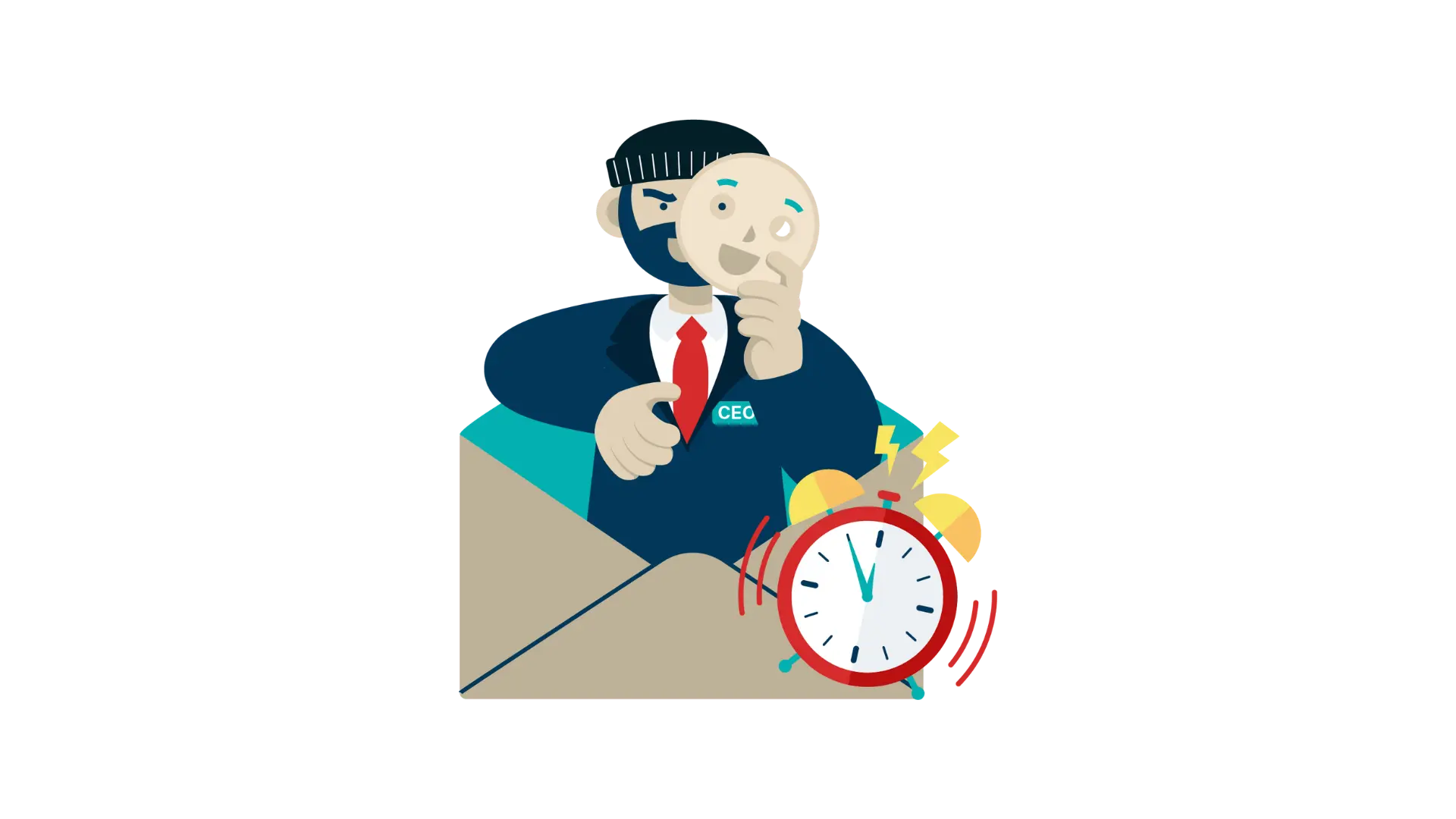
UNUSUAL REQUEST FROM YOUR BOSS OR COLLEAGUE?
The familiarity of colleagues or authority of people in leadership roles are often abused.
Unusual request? Take a good look at the sender address. (See first tip). Small variations in spelling could be intended to mislead you.
Is the request urgent or persuasive? Be sure to verify the request first through a different channel.